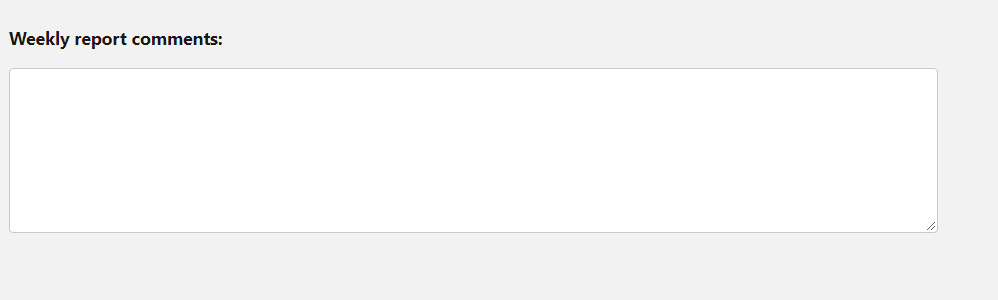
Most people find it difficult to set appropriate height of lightning-textarea. There is workaround for it using –sds-c-textarea-sizing-min-height css property, which we will explain using below coding example-
Step1: assign css class to text area
<lightning-textarea class="custom-textarea"></lightning-textarea>
Step2: set –sds-c-textarea-sizing-min-height css property in the class as shown below-
.custom-textarea {
    --sds-c-textarea-sizing-min-height:150px;
}


