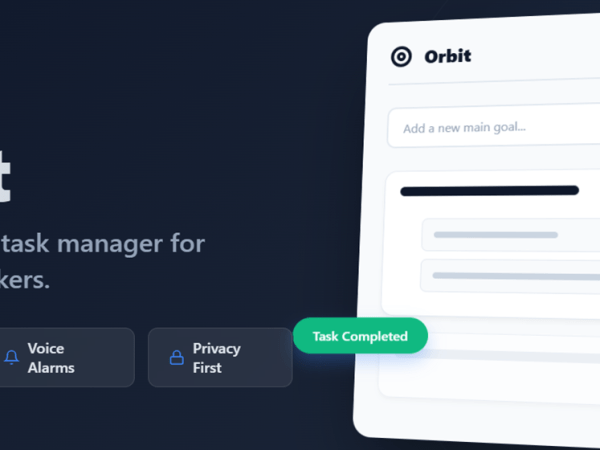
Stop Drowning in To-Do Lists: Launch Your Productivity with Orbit
We all have that one big goal that sits on our to-do list for weeks. It stares at us, daunting and vague. “Write Book,” “Launch Website,” “Organize Life.” The problem isn’t the goal; it’s the lack of structure. Standard to-do lists are flat—they treat “Buy Milk” and “Build a House” as equals. Enter Orbit. Orbit…
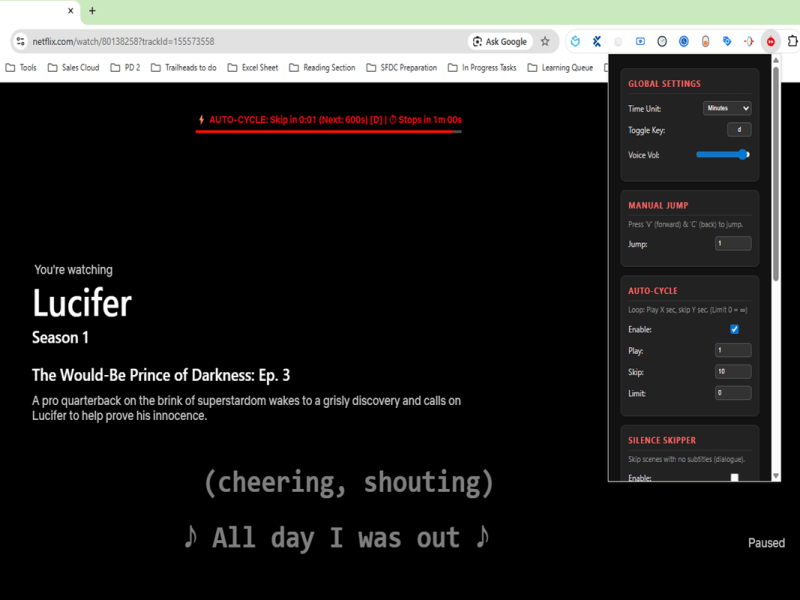
Transform Your Binge-Watching with Netflix Master Skipper Pro
Netflix Master Skipper Pro is a Chrome extension that automates skipping intros, silence, and controls playback for an enhanced viewing experience.
Dealing with Slow Salesforce Deployments? Try Resetting Your Source Tracking
If you’ve been working in a Salesforce DX project for a while, you might notice that running sf project deploy start begins to feel sluggish. Sometimes, it stays stuck at “Polling for status” or “Initializing” for minutes before any actual progress occurs. Recently, I encountered this exact issue. After trying a few different angles, the…
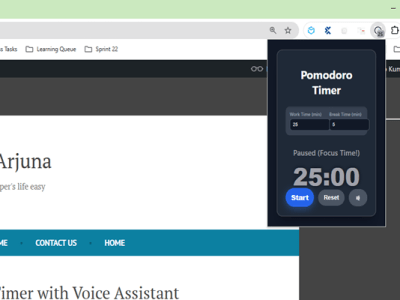
Pomodoro Timer (By Sandy) with Voice Assistant
The Cyclical Pomodoro Timer enhances productivity by automatically starting work sessions, providing voice cues, and enabling customizable work/break cycles.
🔍 Understanding Where Salesforce (SFDX) Environments Are Stored in VS Code
When you’re working with Salesforce DX (SFDX) in Visual Studio Code, you often connect to multiple Salesforce orgs — such as Developer Orgs, Sandboxes, or Scratch Orgs.But have you ever wondered where these environments are actually stored? Let’s break it down in simple terms 👇 🧩 What Are Salesforce (SFDX) Environments? In SFDX, “environments” refer…
Download Recent Salesforce Debug Logs Using Salesforce CLI
Debug logs are an essential tool for Salesforce developers and admins. They help trace code execution, identify issues, and monitor system behavior. While you can view logs directly in Salesforce Setup, downloading multiple logs at once can be tedious. Thankfully, the Salesforce CLI (sf) makes this process quick and easy. Using sf apex get log…
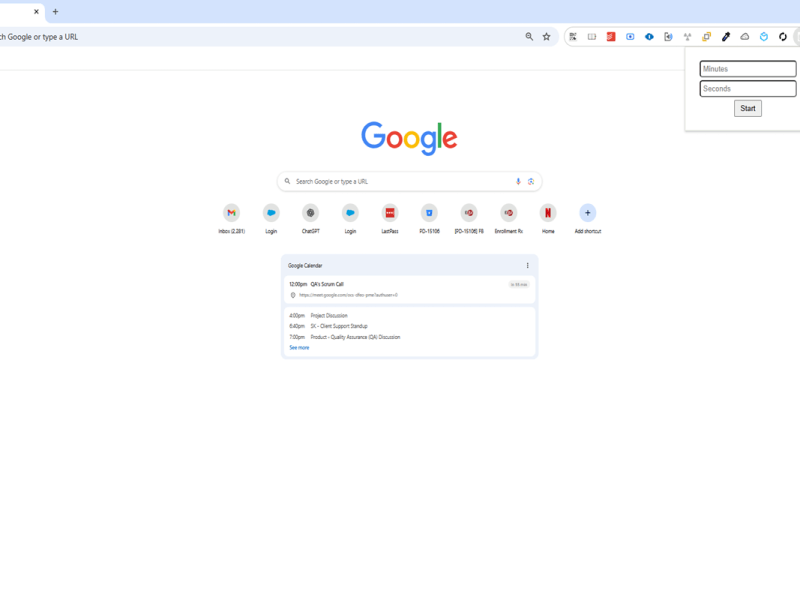
Simple Timer (By Sandy): A Chrome Extension That Talks to You
Simple Timer is a Chrome Extension that counts down and audibly alerts users with “Time’s up!” when time expires, enhancing productivity.
How to Perform a Git Hard Pull (Without Regret)
When collaborating in Git, it’s not uncommon to find your local branch out of sync with the remote—especially when you’ve made changes that conflict or aren’t needed anymore. If you just want to wipe your local changes and sync exactly with the remote, there’s a powerful (but dangerous) combo: git reset –hardgit pull In this…
Cleaning Up Test Data Efficiently Using a Batch Apex Job in Salesforce
✅ Problem Statement (Refined & Expanded) In many Salesforce development or QA environments, repeated testing often leads to the creation of thousands of test records across multiple objects. Whether you’re testing a data import process, automation rules, integrations, or user journeys — each test run leaves behind a trail of test data. Over time, this…
How to delete salesforce files using apex?
Deleting files linked to record- Deleting files which are not linked to record- you can delete files based on title match like below-
Something went wrong. Please refresh the page and/or try again.
Follow My Blog
Get new content delivered directly to your inbox.
 SFDC Arjuna