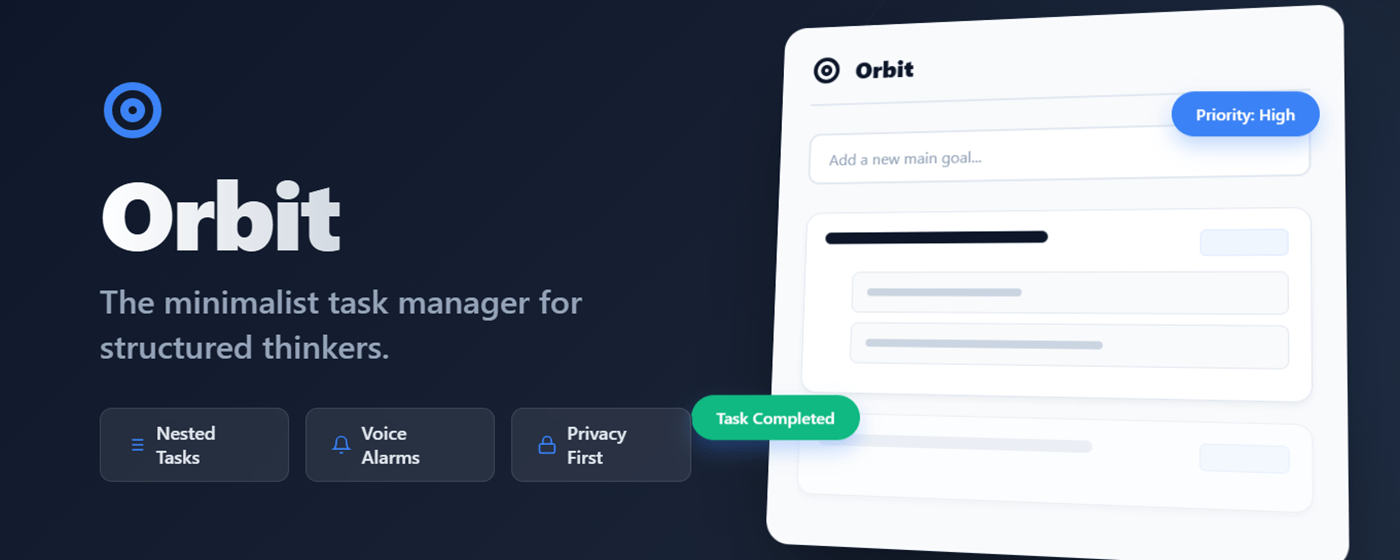
We all have that one big goal that sits on our to-do list for weeks. It stares at us, daunting and vague. “Write Book,” “Launch Website,” “Organize Life.” The problem isn’t the goal; it’s the lack of structure. Standard to-do lists are flat—they treat “Buy Milk” and “Build a House” as equals.
Enter Orbit.
Orbit is a new, minimalist Chrome extension designed for structured thinkers who know that big goals are just a collection of smaller steps. It brings a “Nested Logic” to your daily workflow, ensuring you never lose sight of the details while keeping your eyes on the prize.
Why Orbit is Different
Most task managers are either too simple (just a checklist) or too complex (bloated project management software). Orbit sits in the sweet spot. It lives right in your browser, ready when you are, with a clean “Slate” aesthetic that respects your focus.
1. The Power of “Breaking It Down”
Orbit encourages you to create primary “Orbits” (main tasks) and populate them with granular subtasks. You can’t mark a main task as complete until its subtasks are done. This simple validation mechanism ensures you’re actually doing the work, not just ticking boxes.
2. It Speaks Your Language (Literally)
Forget generic beeps. Orbit features Smart Voice Reminders. You can set alarms for specific subtasks with custom messages. When the time comes, Orbit uses Text-to-Speech to read your message aloud.
- “Time to call the client.”
- “Switch laundry.”
- “Take a break, you’ve been coding for 4 hours.”
3. Privacy First
In an age where every app wants your email and data, Orbit takes a step back. No logins. No cloud sync. No tracking. All your data is stored locally on your device using your browser’s local storage. Your plans stay yours.
4. Frictionless Workflow
- Keyboard Optimized: Add tasks and subtasks rapidly using the
Enterkey. - Drag & Drop: Reorder priorities on the fly.
- Visual Feedback: Watch tasks turn gray and strike through as you complete them—pure psychological satisfaction.
How to Get Started
- Install Orbit from the Chrome Web Store.
- Click the Icon in your toolbar to open the popup.
- Type a Main Goal (e.g., “Plan Summer Vacation”) and hit
Enter. - Add Subtasks (e.g., “Book Flight,” “Reserve Hotel”) in the “Break it down…” field.
- Set Priorities (High, Medium, Low) to sort your day.
Ready to Launch?
Stop letting big tasks intimidate you. Break them down into an Orbit and start conquering them one step at a time.
Orbit is free, private, and open for feedback. If you love it, leave a review!
 SFDC Arjuna